User Guide
What is Goghim?
Goghim — go + ghim, Vietnamese for "to pin" — is a community review and discovery platform built for Vietnam. You pin the cafés, food, travel spots, beauty and shopping places worth remembering onto your own map; read honest reviews from people who have actually been there; and keep the places that make you want to come back.
Unlike ads or paid reviews, everything on Goghim comes from a real community: each review is tied to a user with a level, reputation and contribution history, and is moderated to keep it honest.
With Goghim you can:
- Write & read reviews on travel, food, beauty, shopping and entertainment — with star ratings, photos and honest impressions.
- Save places into collections, create polls, and follow people who share your taste.
- Pin the places you have visited onto your personal journey map and share it with friends.
- Earn experience points, level up, and build your reputation in the community.
Our vision
We believe every trip is worth keeping. Goghim helps each person build their own "map of memories" — where every pin is a place, a moment, a story worth remembering, and the map grows with every journey.
Beyond that, we want Goghim to be where Vietnamese people decide with confidence — where to go, what to eat, what to experience — based on real community experience, neatly organised by each province and ward of Vietnam.
How to use Goghim, screen by screen. The interface supports Vietnamese / English (switch at the top-right).
TIP
Screenshots are from the live UI (shown in Vietnamese); the layout is the same in English, only the labels differ. Details may evolve between versions.
Getting started
- Sign up / Sign in: use email + password, or quick-login with Google / Facebook. Enter a referral code at sign-up if you have one.
- Verify email: open the link in the email to fully activate.
- Complete your profile: add an avatar, bio, and pick interest topics (Travel, Food, Beauty…) so the feed recommends better.
Home (Feed)
After signing in, the home page shows reviews & posts. The top bar has Home · Explore · Places · Write · Notifications; the left column is the topics & tools menu; the right column shows featured topics, trending, and the leaderboard.
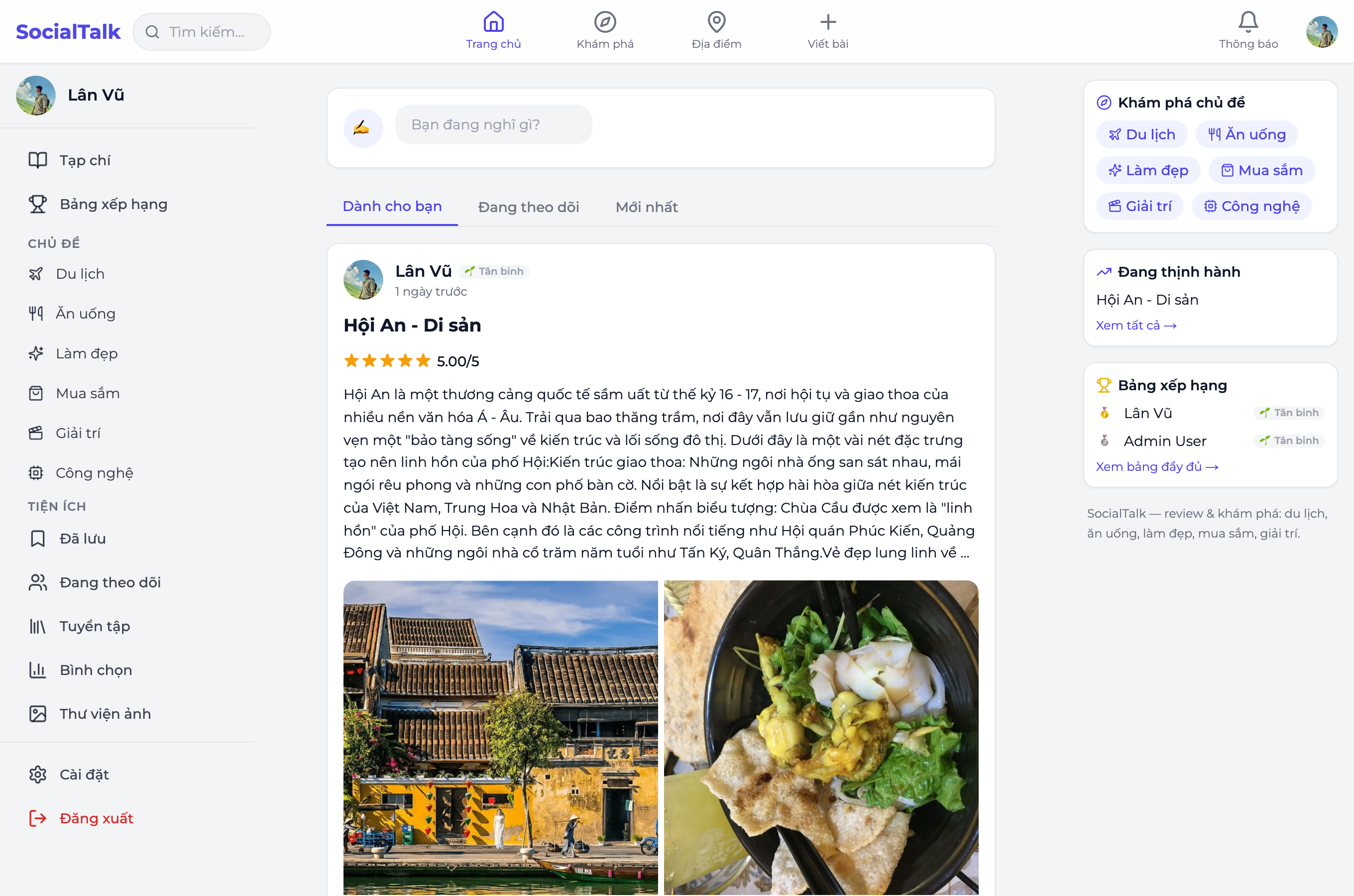
Filter the feed by Latest / Hot / Category to see relevant content.
Explore
Explore helps you find content by topic, tag, user, and place.
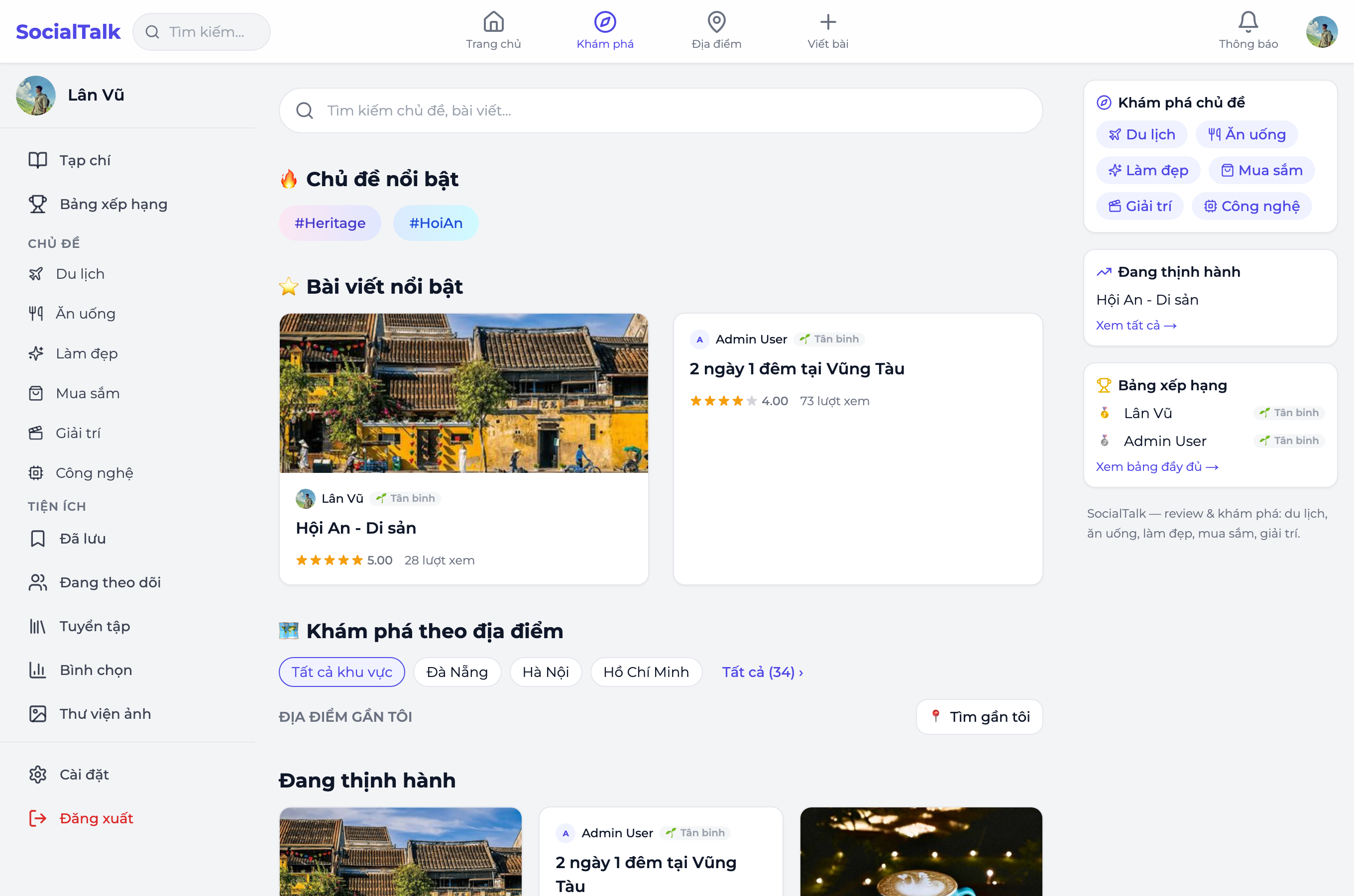
Search
The search box at the top of the page covers both reviews and places.
Tone marks are optional. "bao tang", "da lat" and "vung tau" return the same results as "bảo tàng", "Đà Lạt" and "Vũng Tàu". Case does not matter either.
Places are not matched on name alone — you can search by province, by address, or by category. Typing "Đà Lạt" also finds places whose names never mention it, such as Nhà thờ Domaine de Marie, because they are in Đà Lạt.
Results are ranked by relevance: an exact name match comes first, a passing mention in a description comes last. A result has to contain every word you typed, so adding words narrows the search rather than widening it.
Write reviews & posts
Tap Write (the +) to create content: enter a title, body (rich text editor), pick a category, give a star rating, add pros/cons, attach images, and tag a location so the post appears on the map & locality pages.
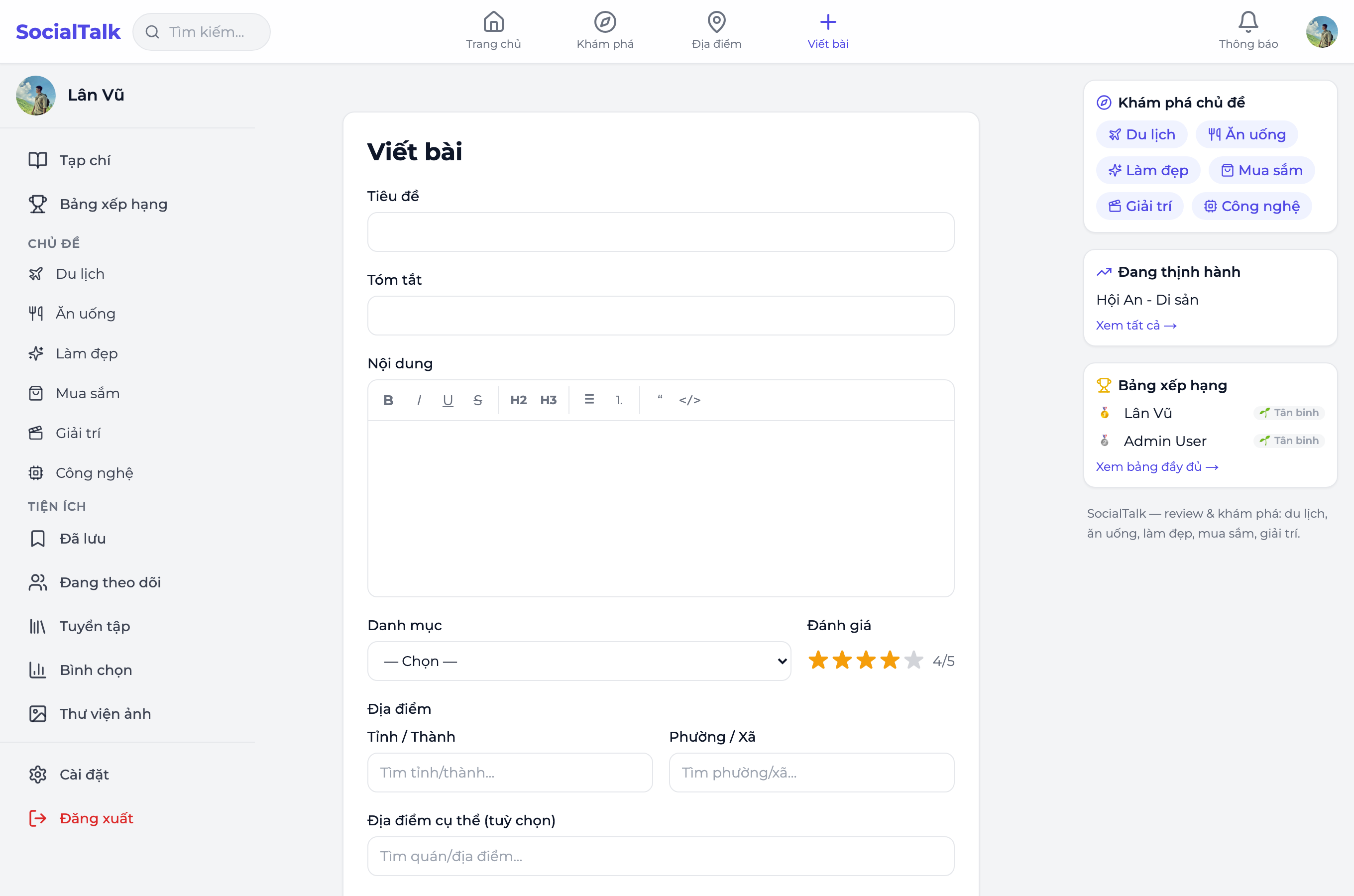
- Save draft to continue later (autosaved), or Publish to go public.
- For a quick share (no title/category needed) → post a short update (status).
Interact
- Reactions: drop an emotion on a review or comment.
- Comments: reply, nest replies, attach an image, mention others.
- Bookmarks & Collections: save posts into a collection (public or private) to revisit.
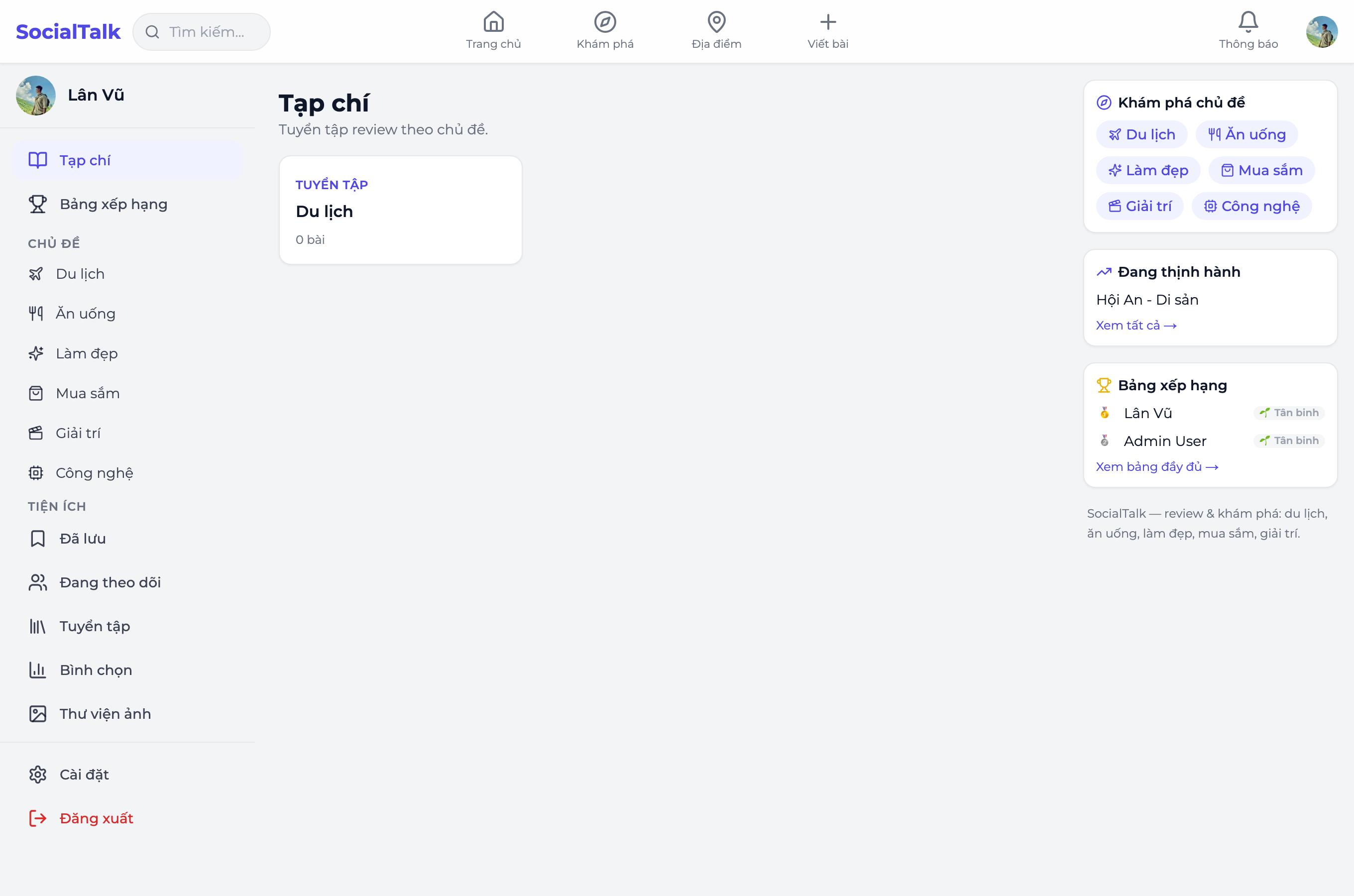
- Polls: create a poll and vote.
- Follow: follow users to keep up with their posts.
Travel Journey Map
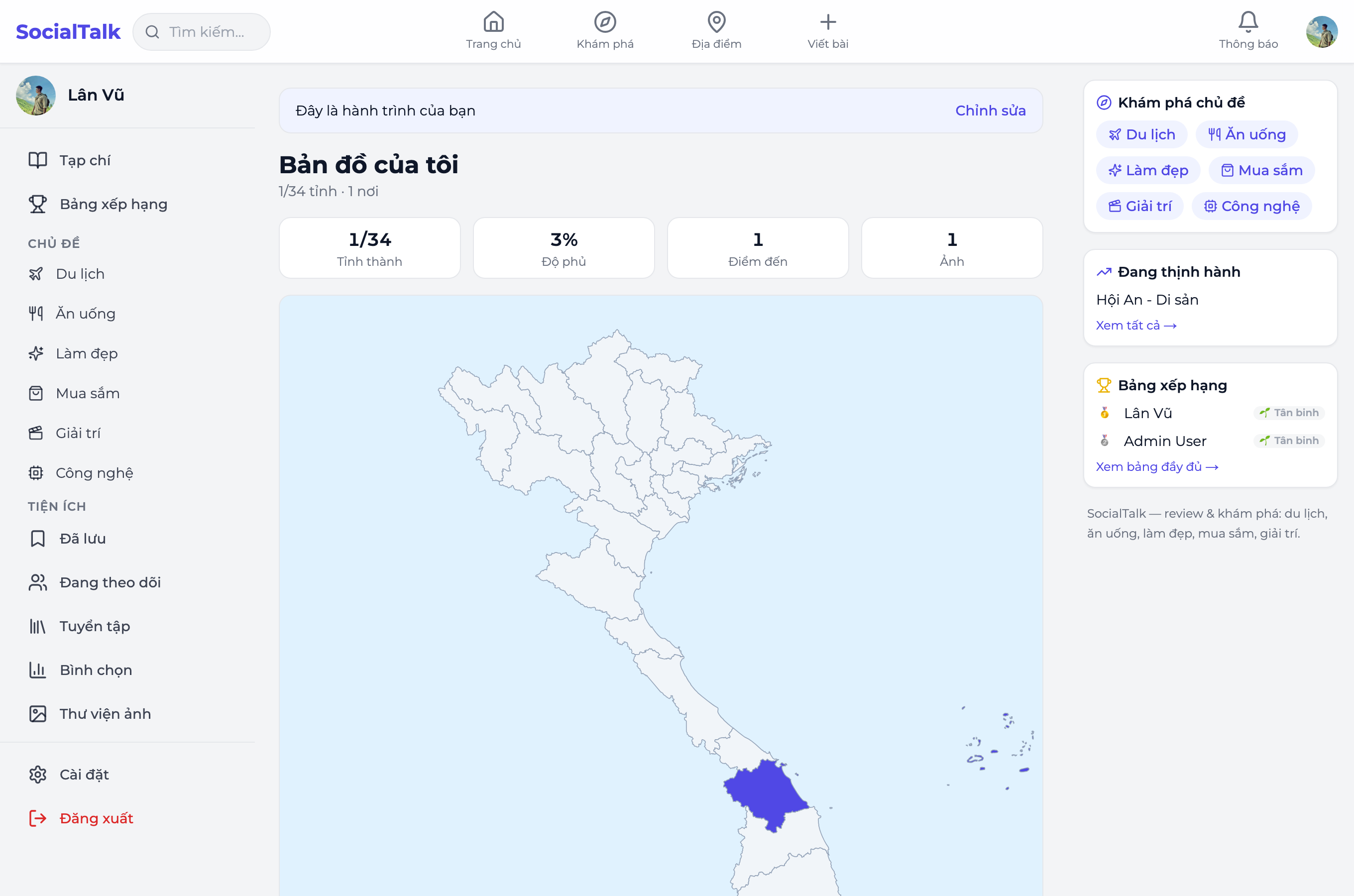
Open Journey → a map of Vietnam highlights the provinces you've visited, with stats (provinces, coverage, stops, photos).
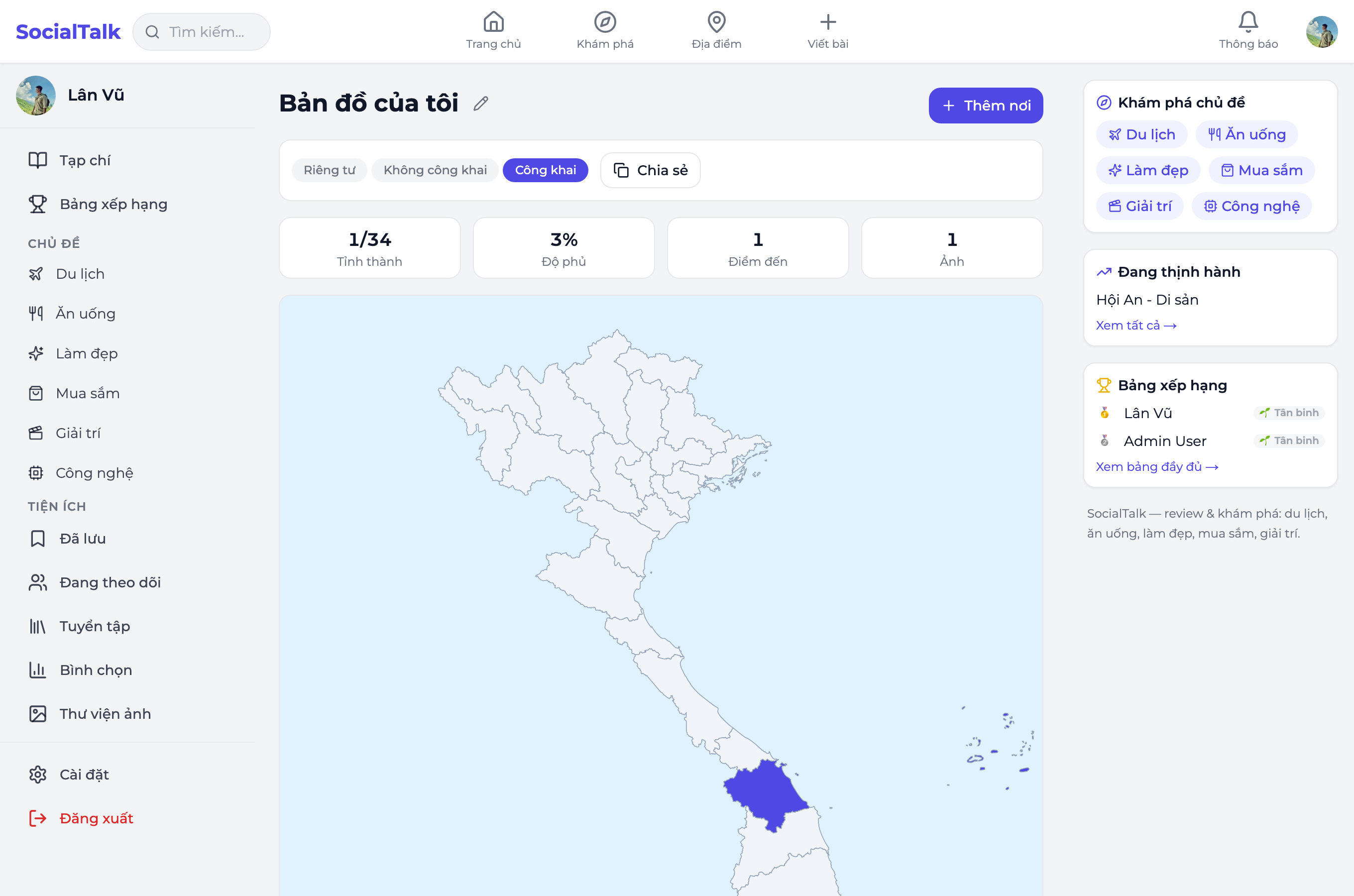
- Add a place: pick a province/ward/place (or drop a pin), add a memory (note, photos, mood, dates).
- Link posts: attach a published review to a stop — the system also suggests location-tagged posts.
- Milestones: hitting province counts (5/10/20/34…) triggers a celebration.
- Share: choose Public or Unlisted, then tap Share to send the link. Viewers see the map + stops + linked posts.
Notifications
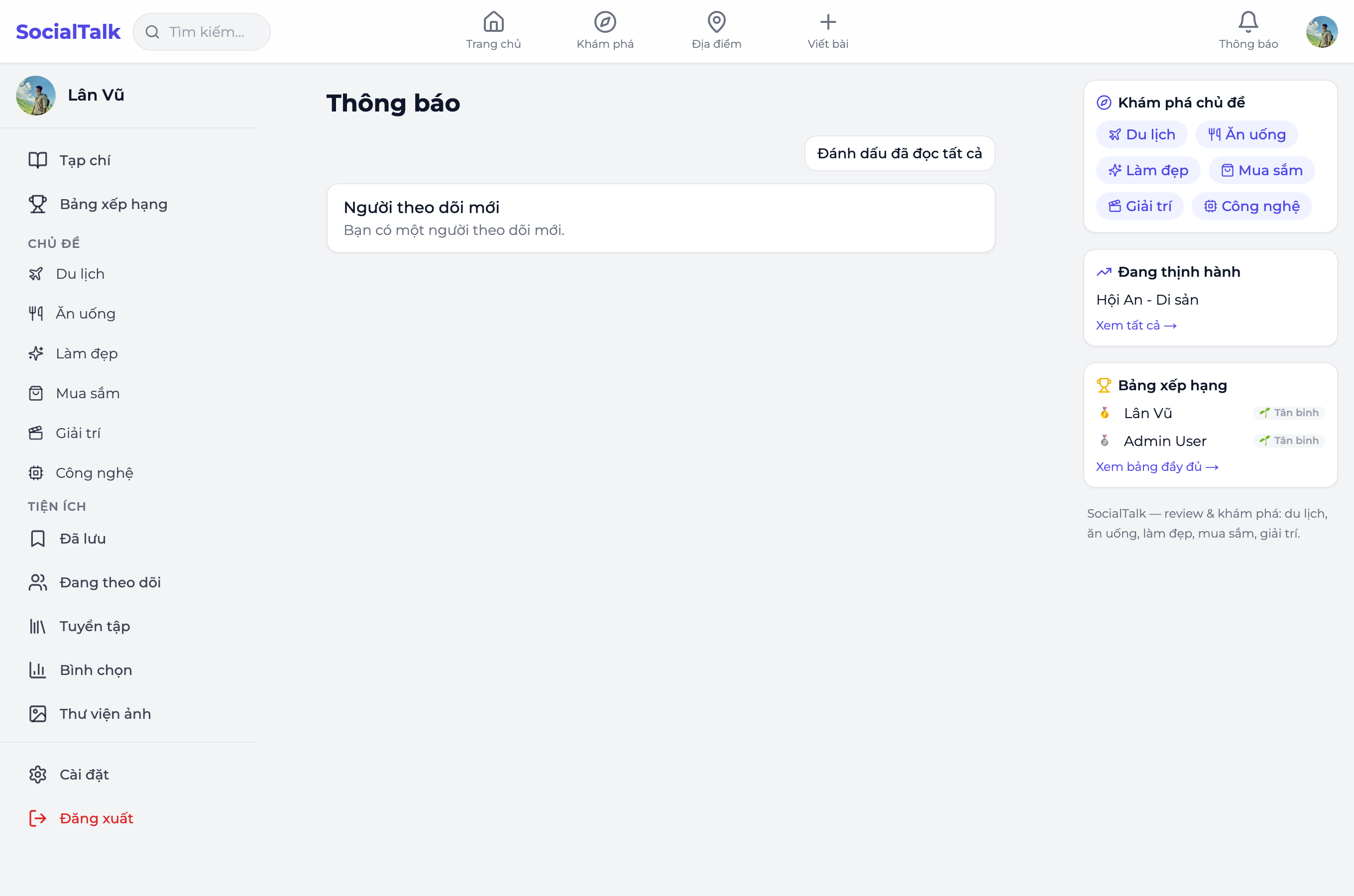
The Notifications bell shows your unread count. Tap it to see who reacted / commented / followed you, or when someone you follow posts new content. Notifications arrive instantly while you have the page open — no reload needed.
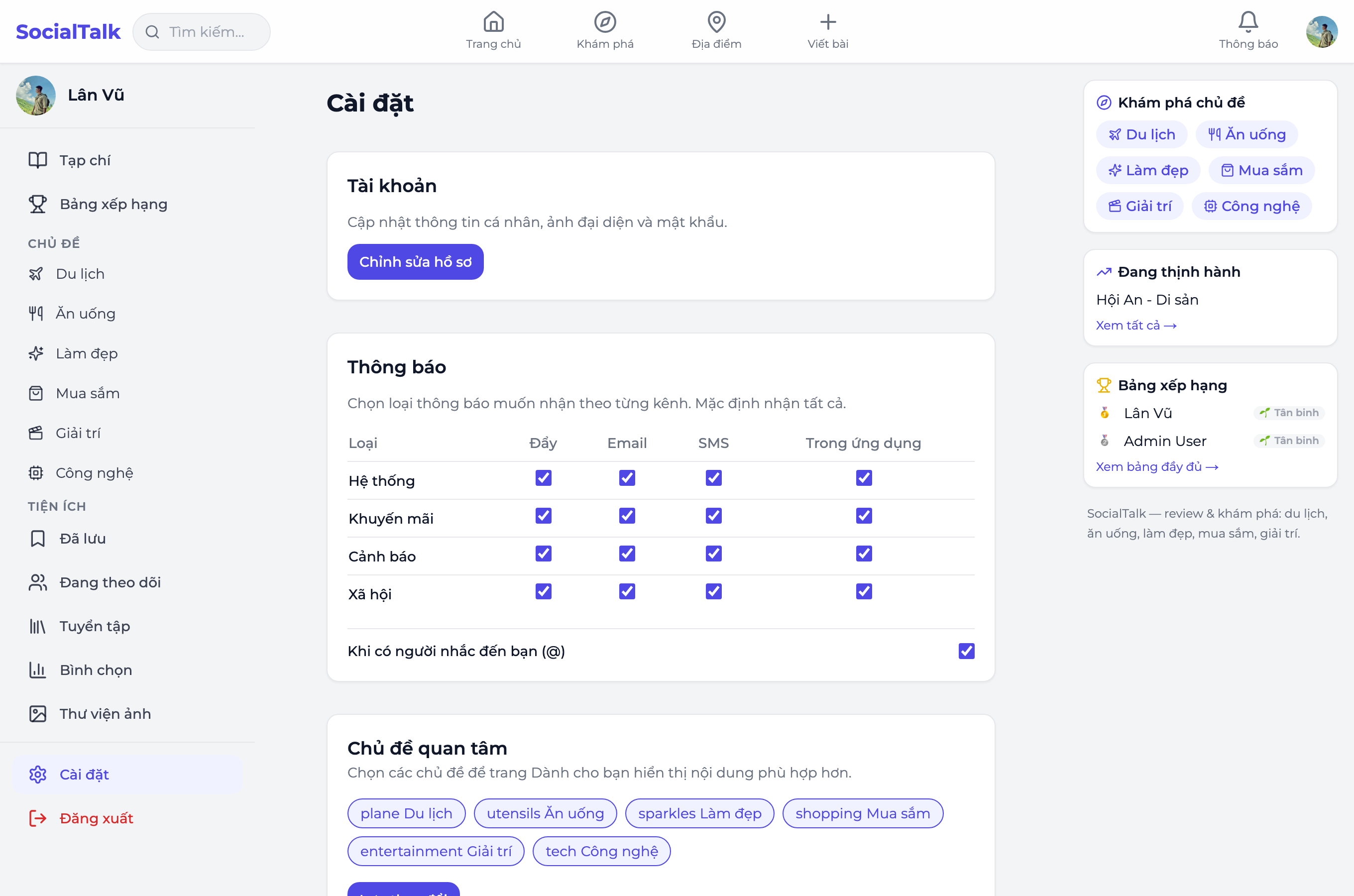
Notification preferences (in Settings → Notifications):
- In-app (always on): bell icon & notification list
- Email (opt-in, off by default): get emailed when mentioned, commented on, replied to, or followed — so you never miss important activity
- Push (on this device) (opt-in, off by default): push notifications even when the app is closed — requires browser permission
- New posts from followed authors: toggle this notification type separately without affecting other notifications
All channels respect your preferences: you're in control.
Experience & Levels
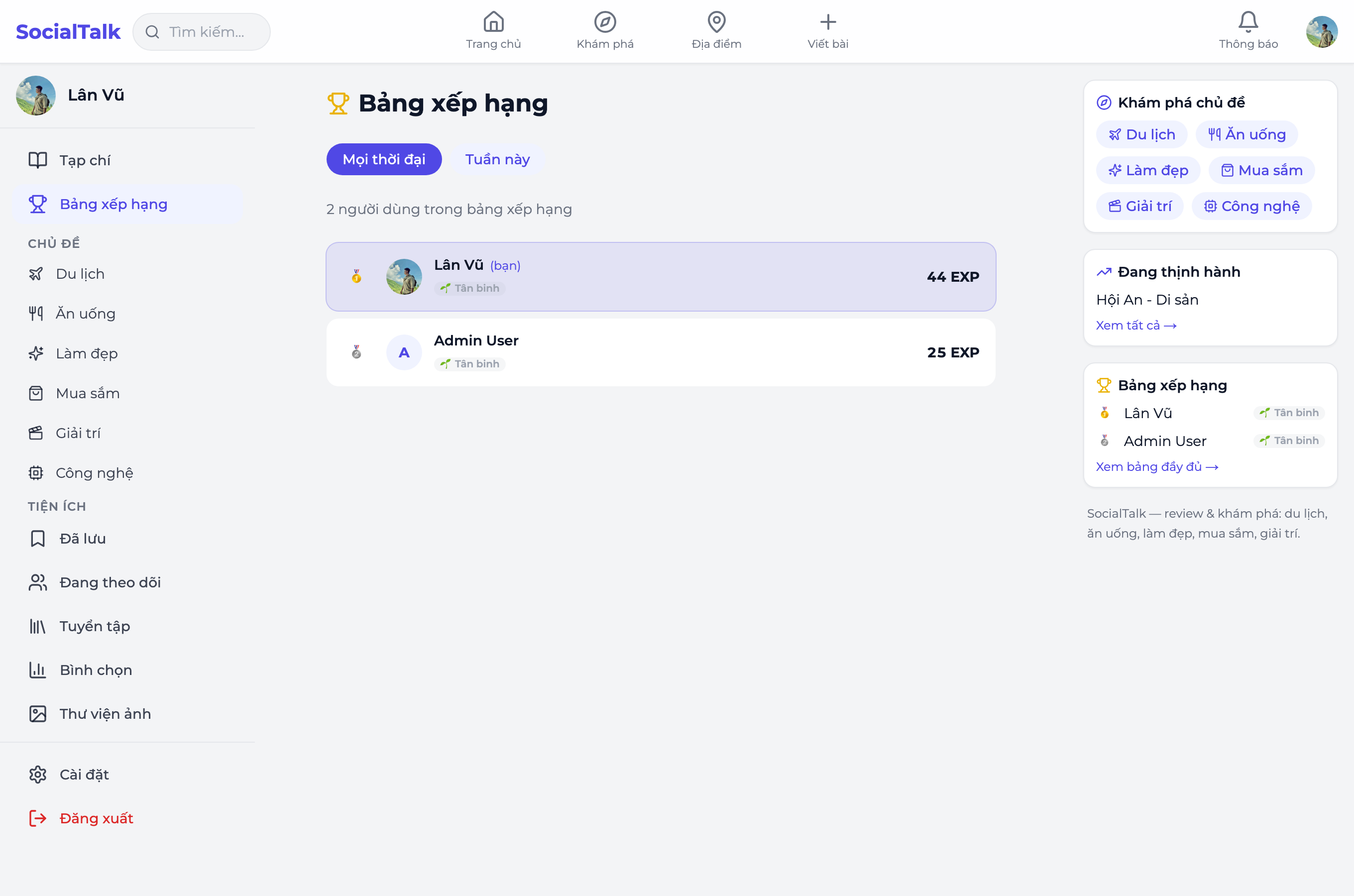
Writing reviews, posting, commenting… earn experience points (EXP). Enough EXP levels you up; see your rank on the Leaderboard.
Profile
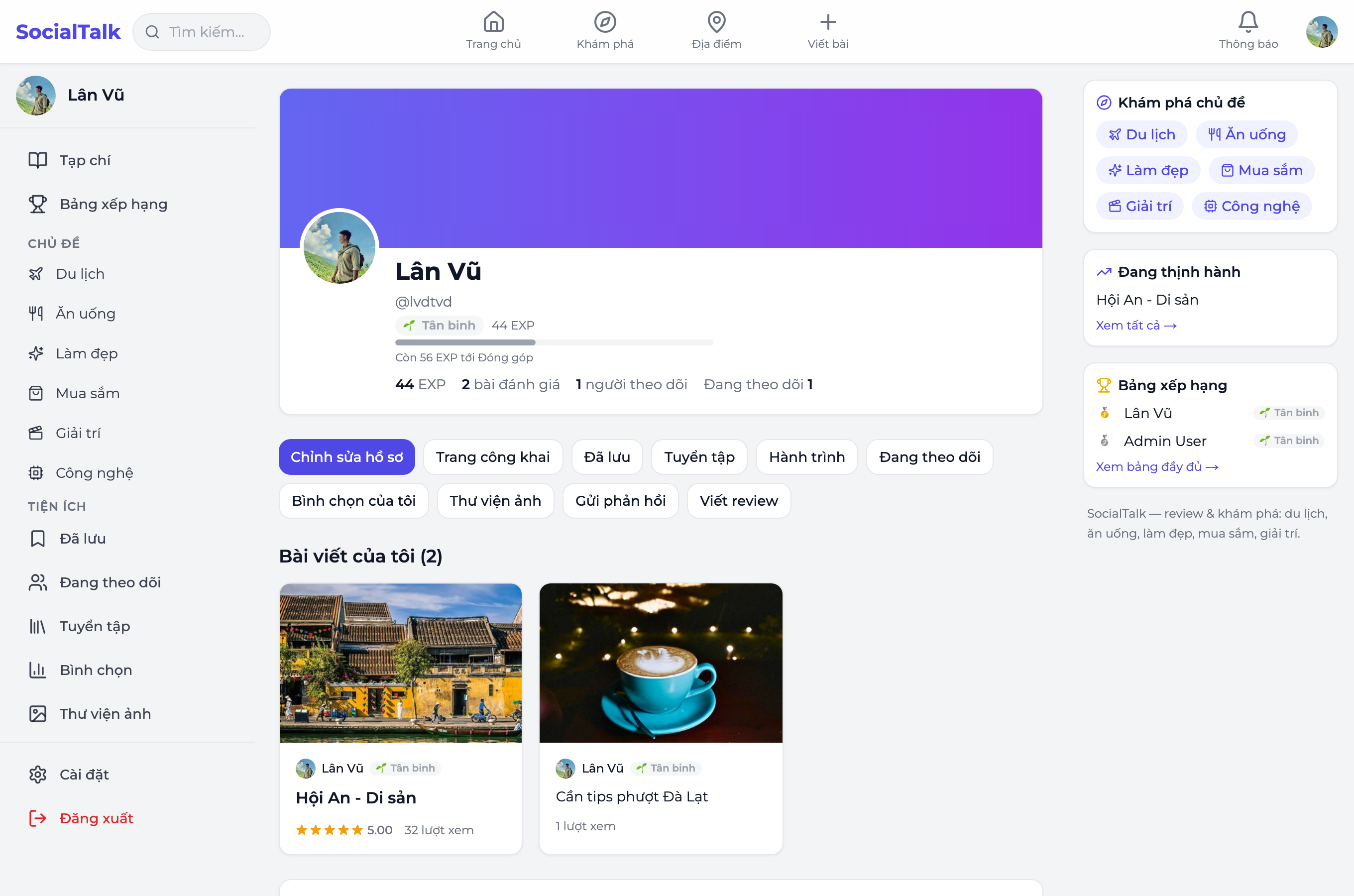
Your profile shows your level, EXP, posts, collections, and a public Journey section for others to explore. Others view your profile at /u/<handle>.
Settings
In Settings you manage account info, privacy, and notification preferences.
Reporting content
See something that violates the rules → use Report (pick a reason: spam, harassment, misinformation…). The moderation team will handle it.